Etsy is finally starting to push back against those horrendous AI listings you’ve definitely seen (browsing craft patterns for SCK makes my eyeballs melt now), and while their chosen fix of insisting on one completely unedited photo is not ideal, it has been entertaining for me so I thought I’d share.
Unedited photos (I’ve resized them for this post, obviously) on the left, final uploaded images on the right.
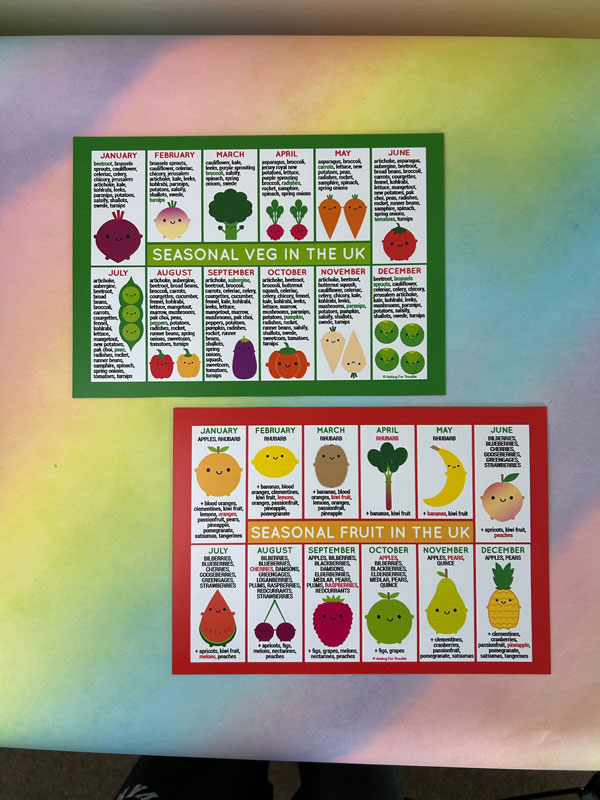
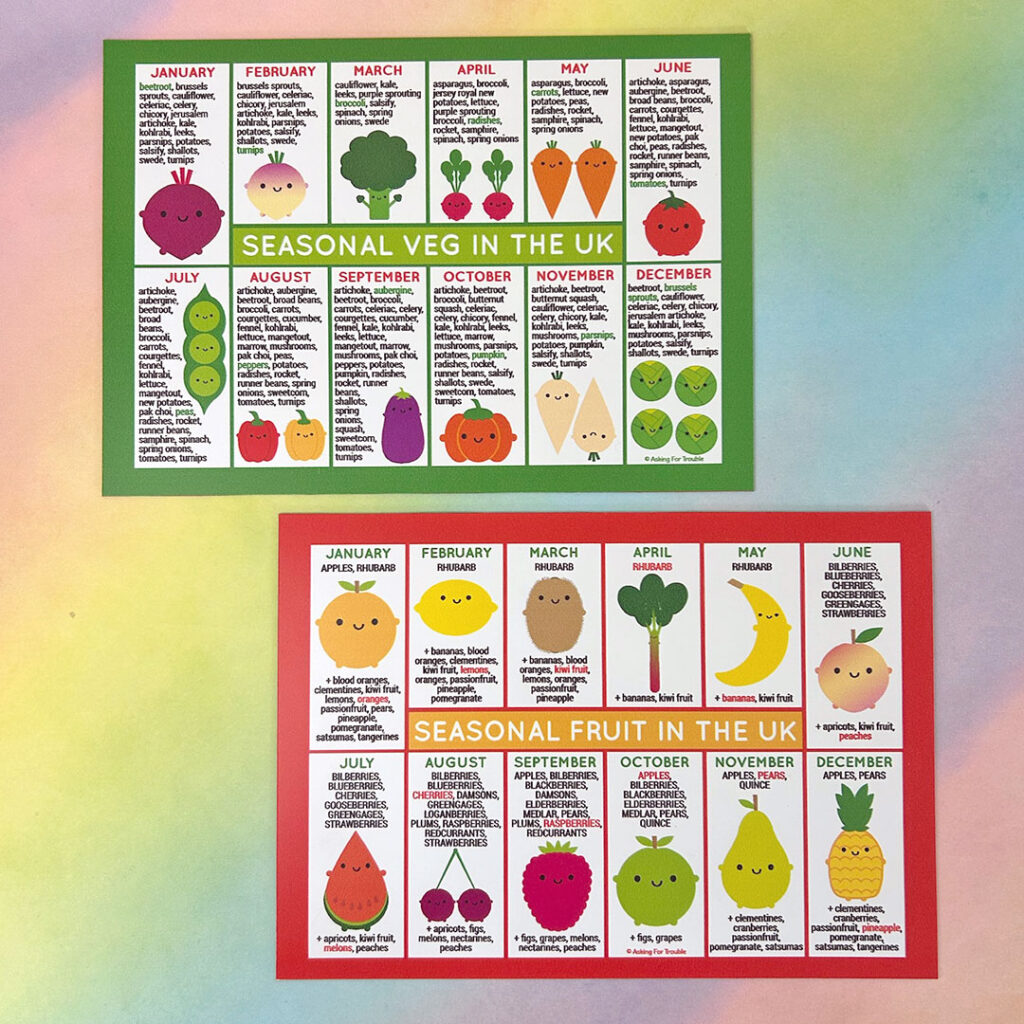
Things are still a little unclear, but Etsy do appear to mean completely unedited, straight off your camera, without cropping, brightening or colour correcting. While I do have a fairly professional setup, I’m also very experienced in Photoshop so don’t worry about having to fix things later. This can be as small as not bothering to change the aspect ratio to square so you get the edges of my photo area including my legs. The photo on the left may ‘prove’ that I didn’t use AI to create my photo but the right one is a more accurate depiction of what you’ll receive.
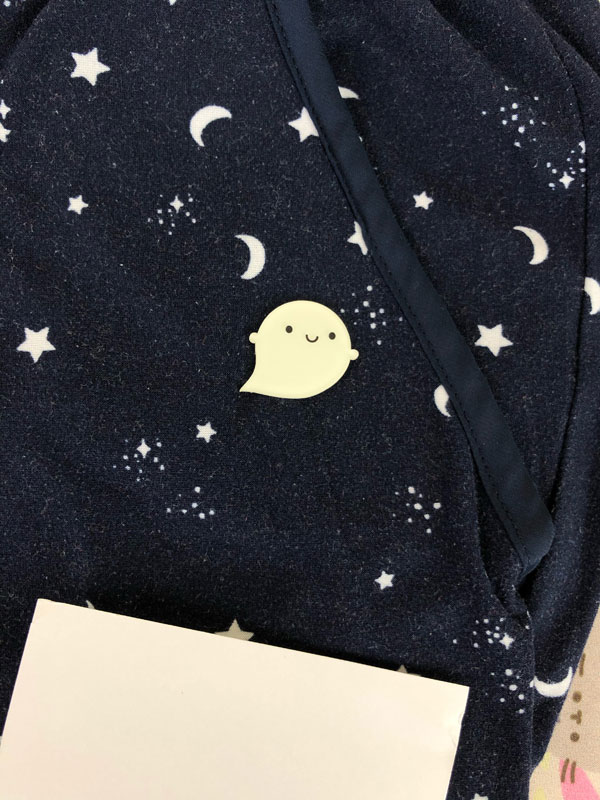
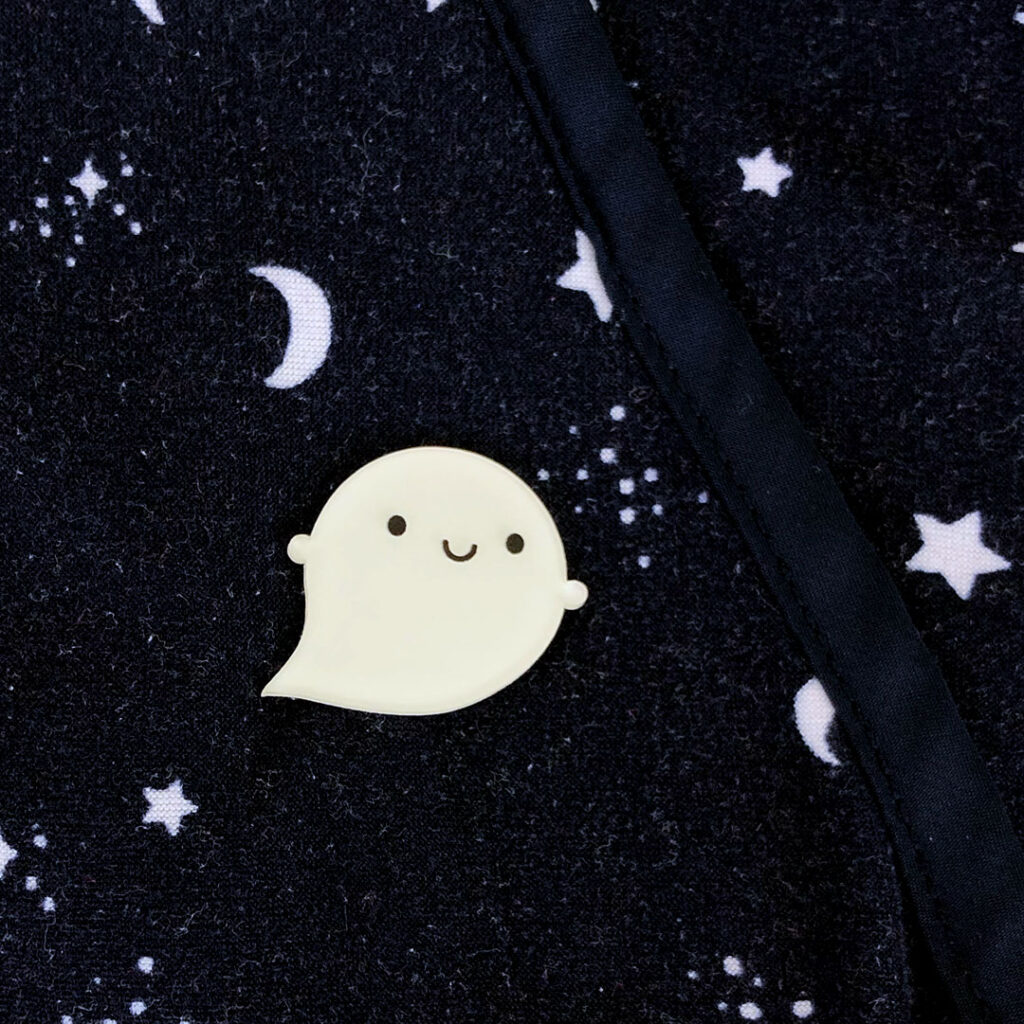
Others are a little more revealing. This is my Glow in the Dark Ghost brooch. What you can’t tell from the edited image is that the background is a pair of pyjamas. I do this a lot with small items as my clothes have nice patterns! This is also usually before I’ve added a brooch or pin back so it lies flat. The piece of white card in shot stops the camera over-compensating and keeps the background dark. Taking photos in the dark is not really possible so the glowing images are created in Photoshop, based on looking at the real glow effect with my eyes.
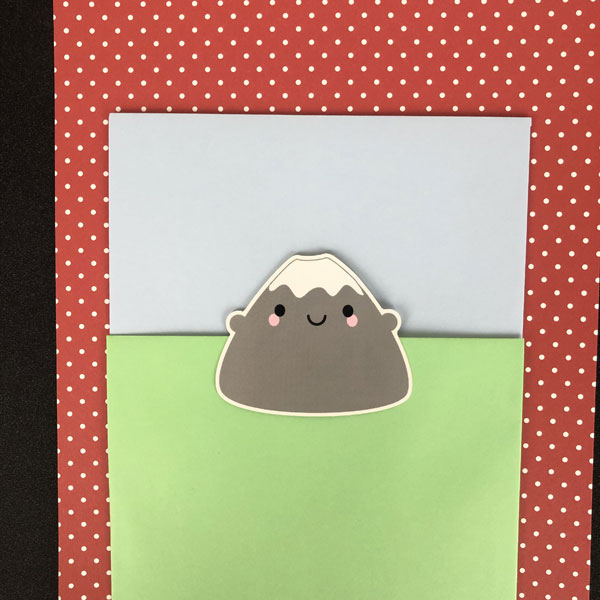
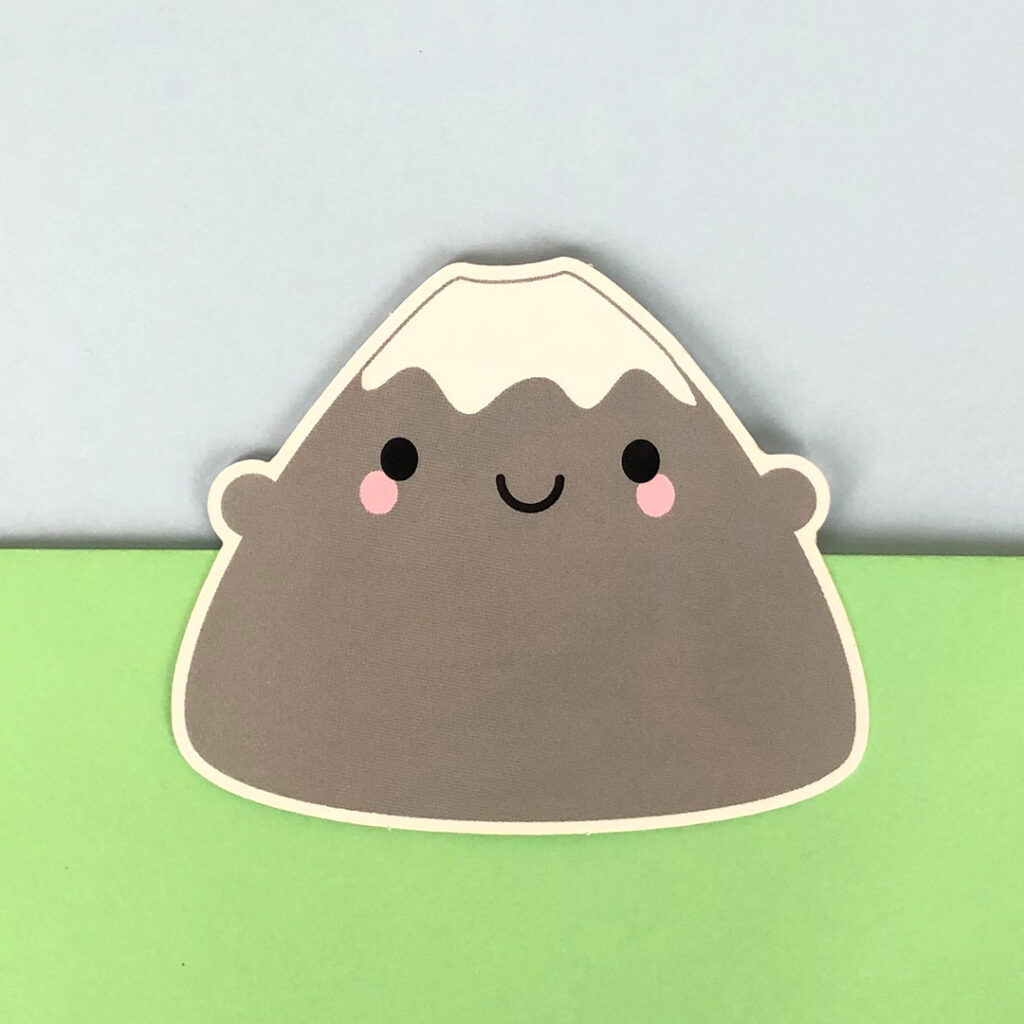
Not being able to crop photos is the most annoying part of this new rule as I would have taken an extra photo if I’d known. It’s usually better to take a wider shot than you need so the same photo can be cropped to square, portrait or landscape. Given how often Etsy have changed their image requirements, this feels especially mean!
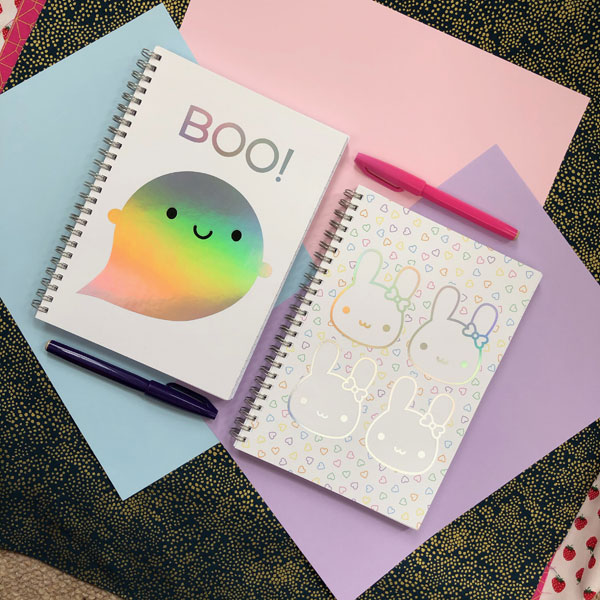
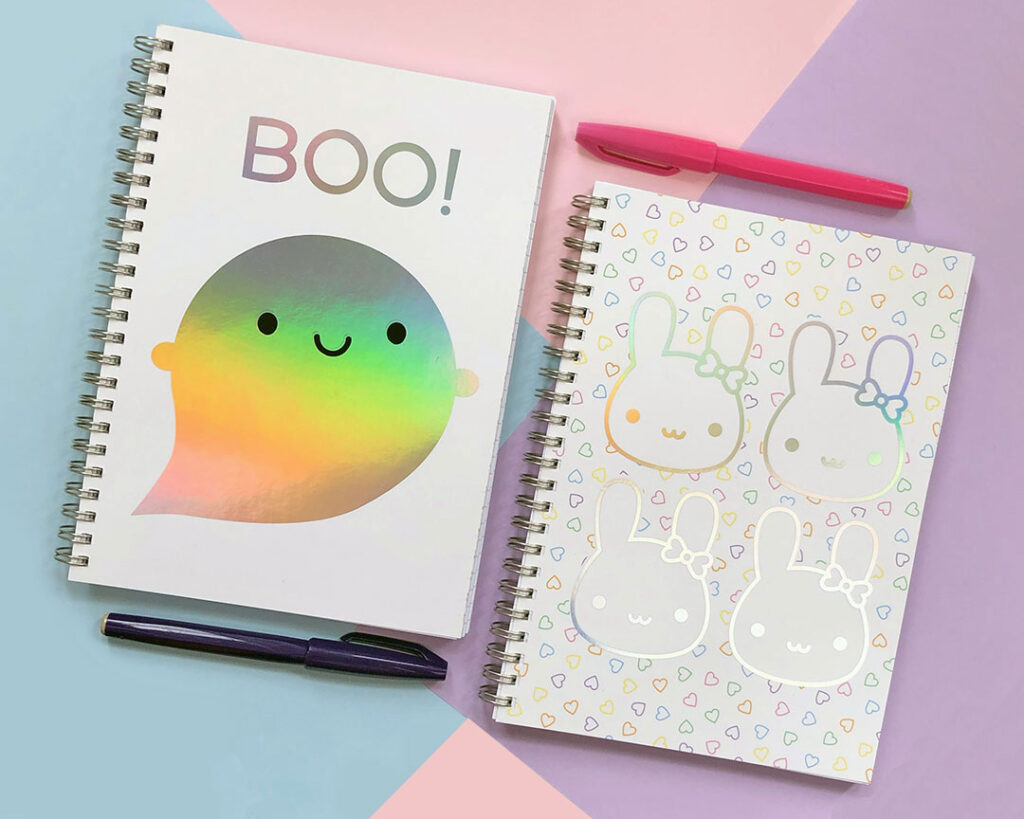
Another example showing how a few pieces of coloured card can make a non-distracting but interesting background. I definitely extended the colours a bit in Photoshop to fill the frame – you can see there was no pink at the bottom in reality. It would have taken me far less time to fetch a second piece of pink card!
(When I say I do these things in Photoshop, I mean manually with brushes and selection tools and adjustment layers, not by getting their horrible AI tools to do it for me)
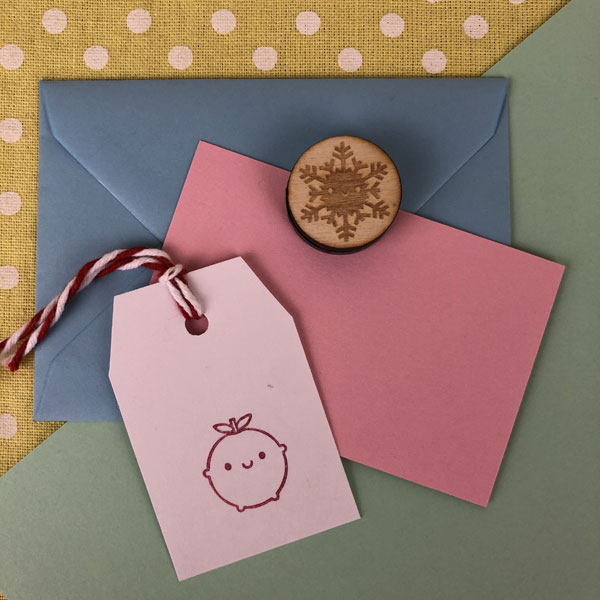
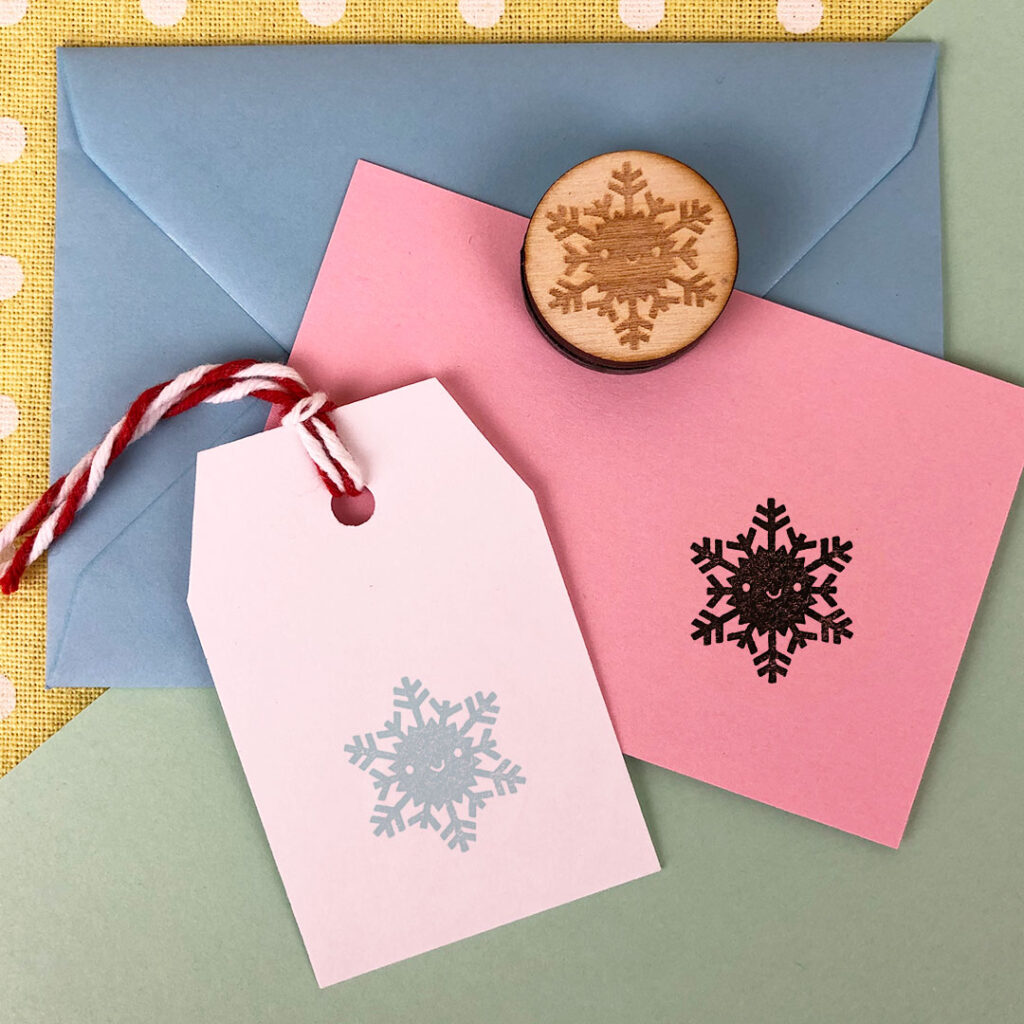
The main images of my polymer stamps have some of the most obvious editing as I have taken a bunch of shortcuts to make sure the stamped design looks perfect. The original photo of my Snowflake stamp uses an existing tag with an apple stamped on it and a blank piece of card. I’ve then stamped the designs many times on a separate sheet of white paper and scanned that in so I can edit in the best one. I have also sneakily changed one to a silvery ink that I do not own in real life.
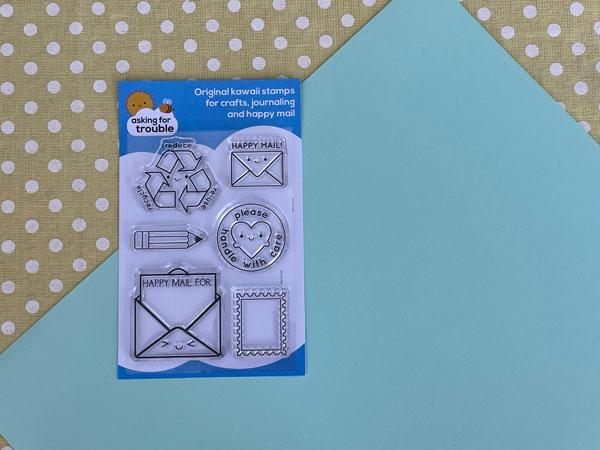
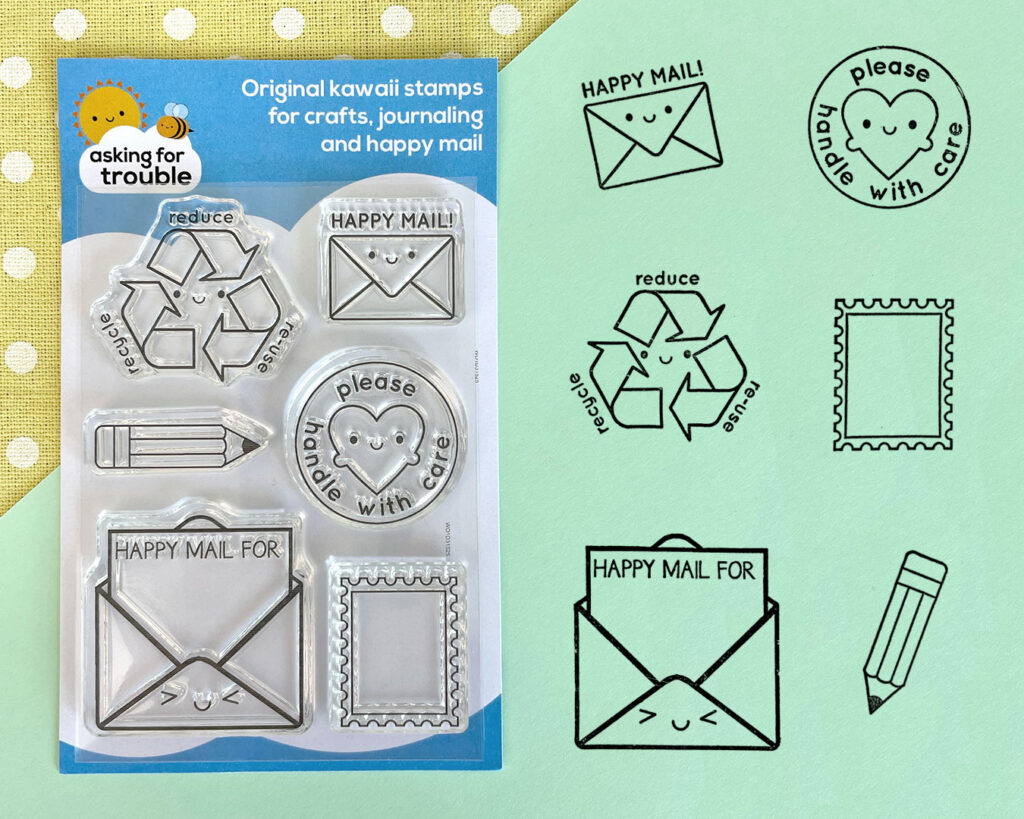
It’s even more obvious with my Happy Mail clear stamps, where you can see I’ve photographed it with space to add the stamp designs. Using scans of stamped images is the important part for me here. If I’d just placed in the original vector art that could be misleading, but these have minor flaws from using real ink on paper.
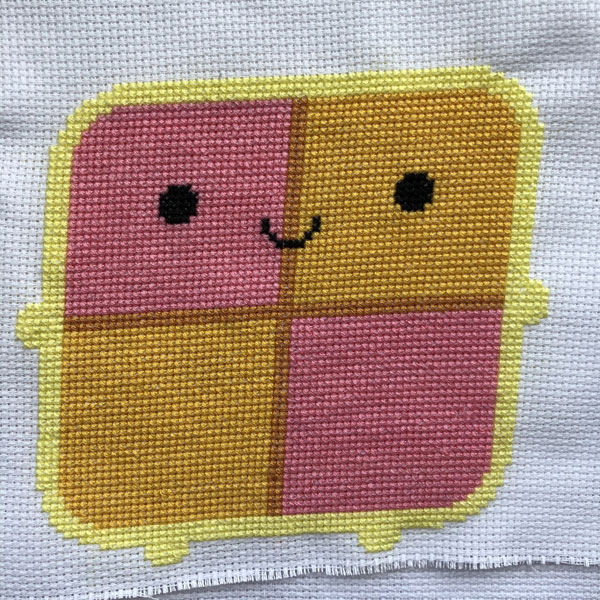
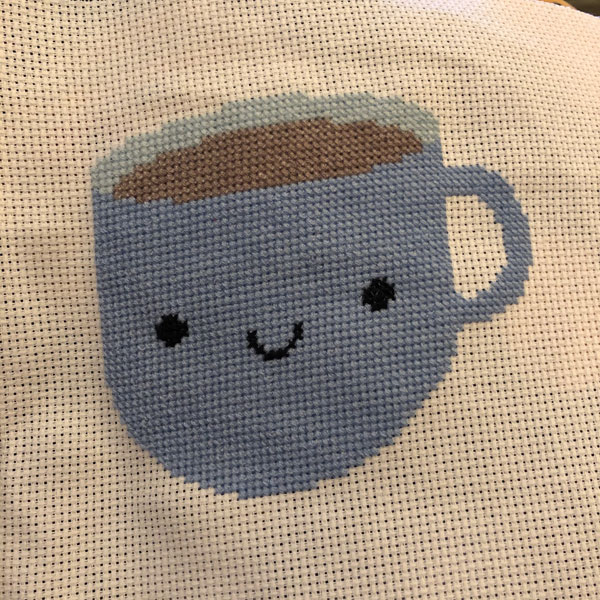
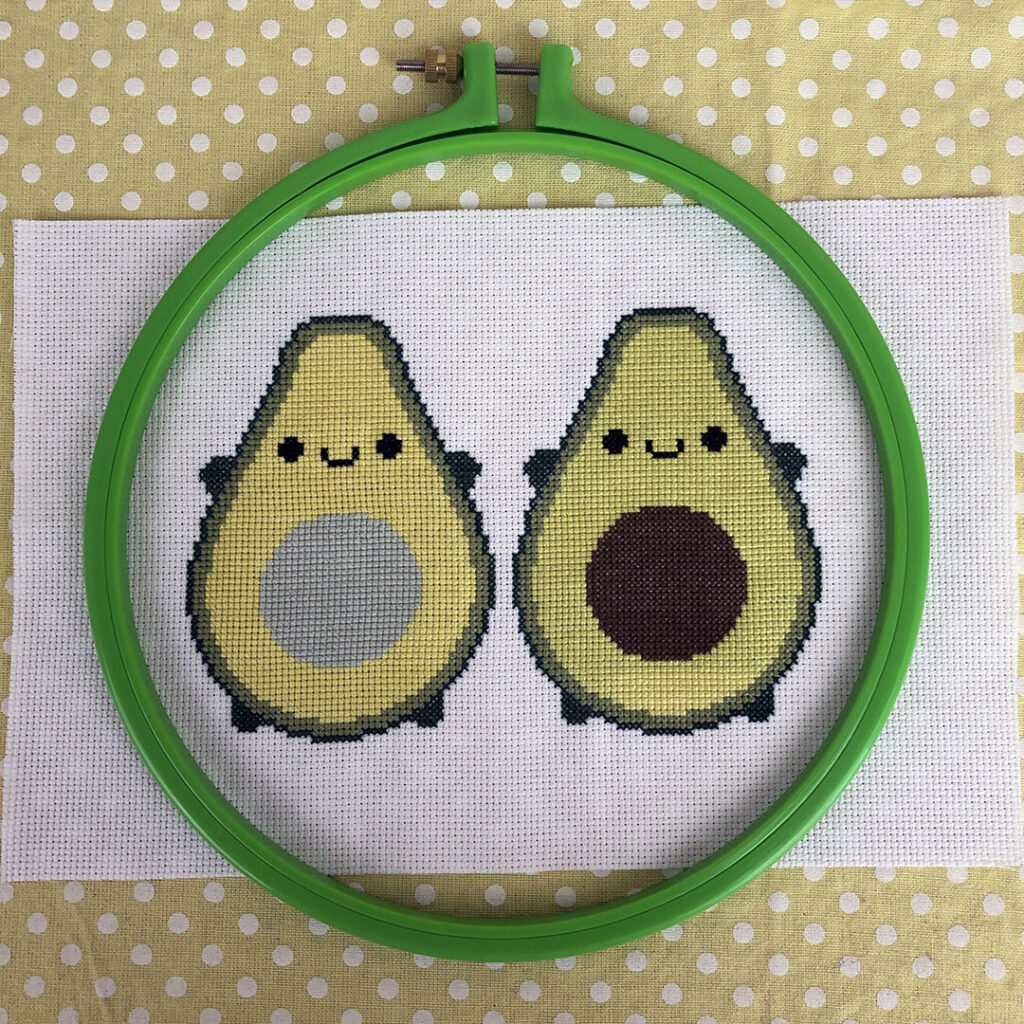
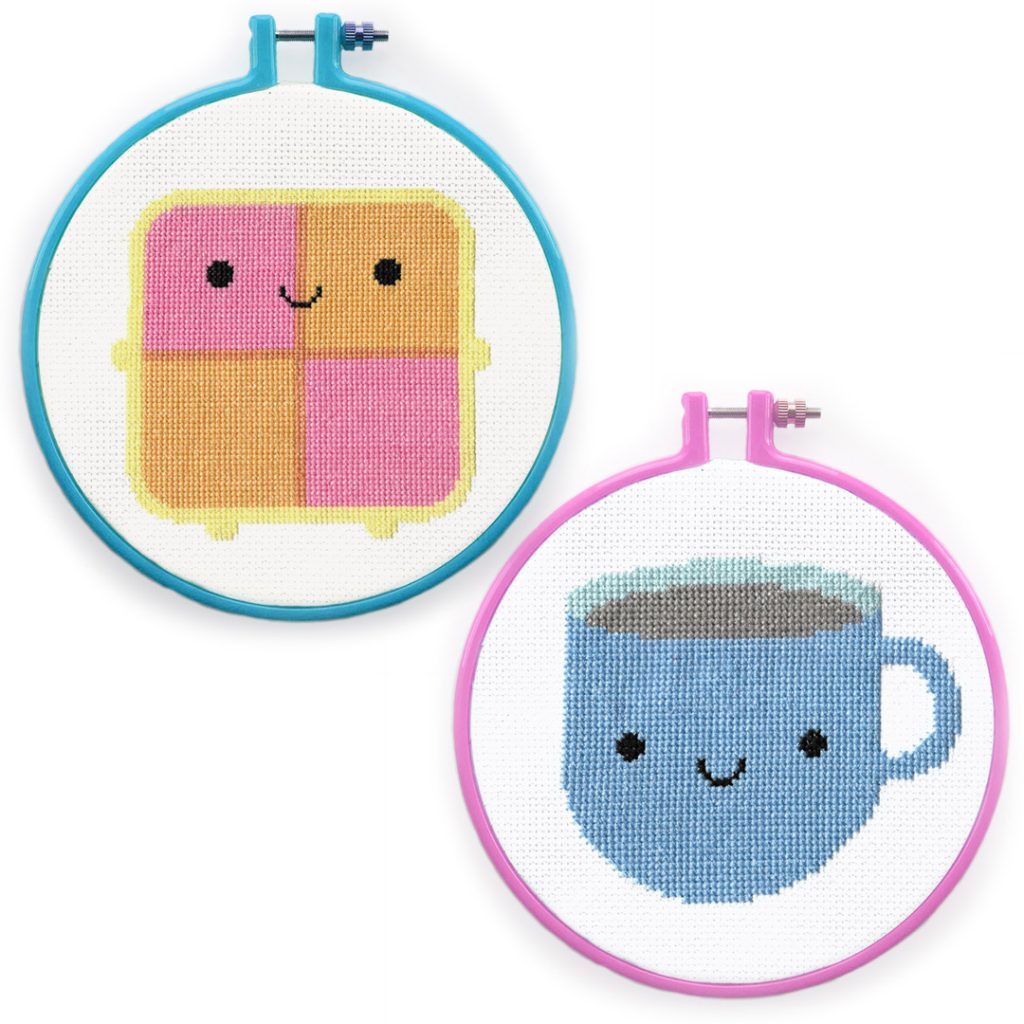
Some of my cross stitch patterns made me cringe though! That Battenberg Cake was one of my first attempts at cross stitch, without a kit, and I completely misjudged how close it would get to the edge. Even the much better Avocados (stitched by Claire) are too small for the hoop I wanted to use for photos. Nothing that a bit of Photoshop can’t fix though! I would have scanned the stitched pieces, straightened them and placed them on top of the photographed hoop with blank aida.
As long as there’s also a real photo of the completed stitched design, I don’t think these composites are misleading but I should probably re-stitch the Battenberg sometime. I personally would never buy a cross stitch pattern that doesn’t include a non-AI photo of a completed stitched version as it suggests they’ve never tested it.
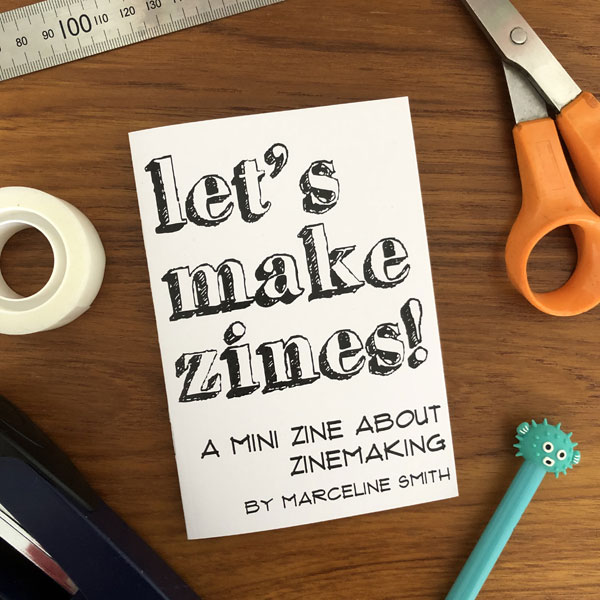
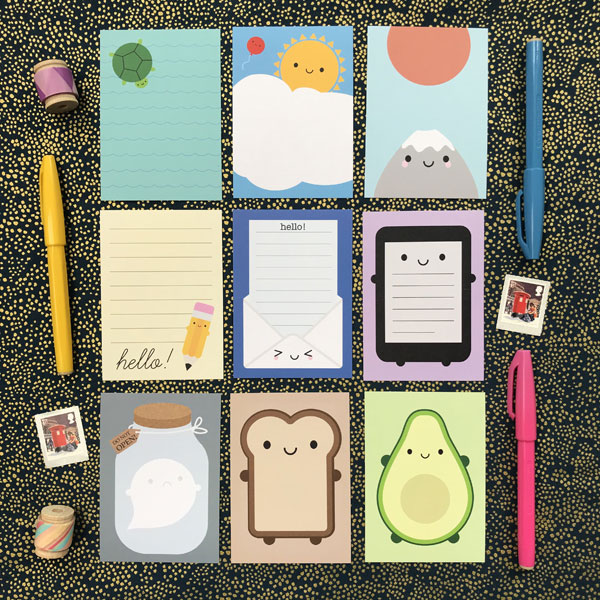
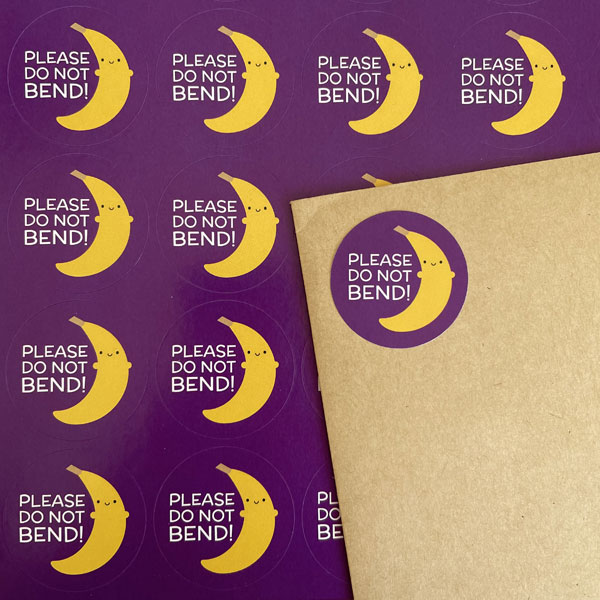
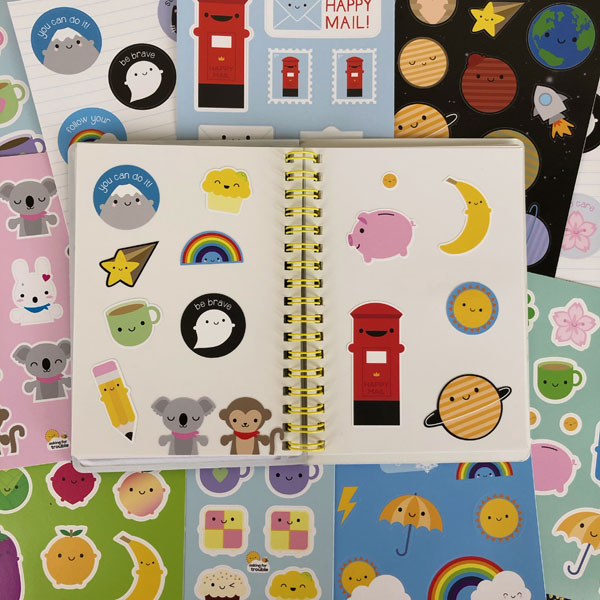
The biggest surprise for me though, was how many of my images are basically the same and just in need of a little bit of brightening. Ironically, this may actually work against me as all these look too perfect for unedited! When you want things arranged and framed in a specific way, sometimes it’s easier to keep editing the placement of the real objects before taking the shot.
I haven’t actually started adding unedited images to my Etsy shop yet but it’s good to know that I already have them ready for 95% of my products. Turns out it was worth saving 53,581 photos over 25+ years in case I needed them! I have less interesting images of my stamps I can use too, but will have to figure out something for some of my digital zines and printables. Everything in this post is available to buy in my main shop by the way – no AI use guaranteed!